How to keep your computer updated and backed up
A beginner-friendly routine for software updates and reliable backups, so a broken laptop never means lost files.
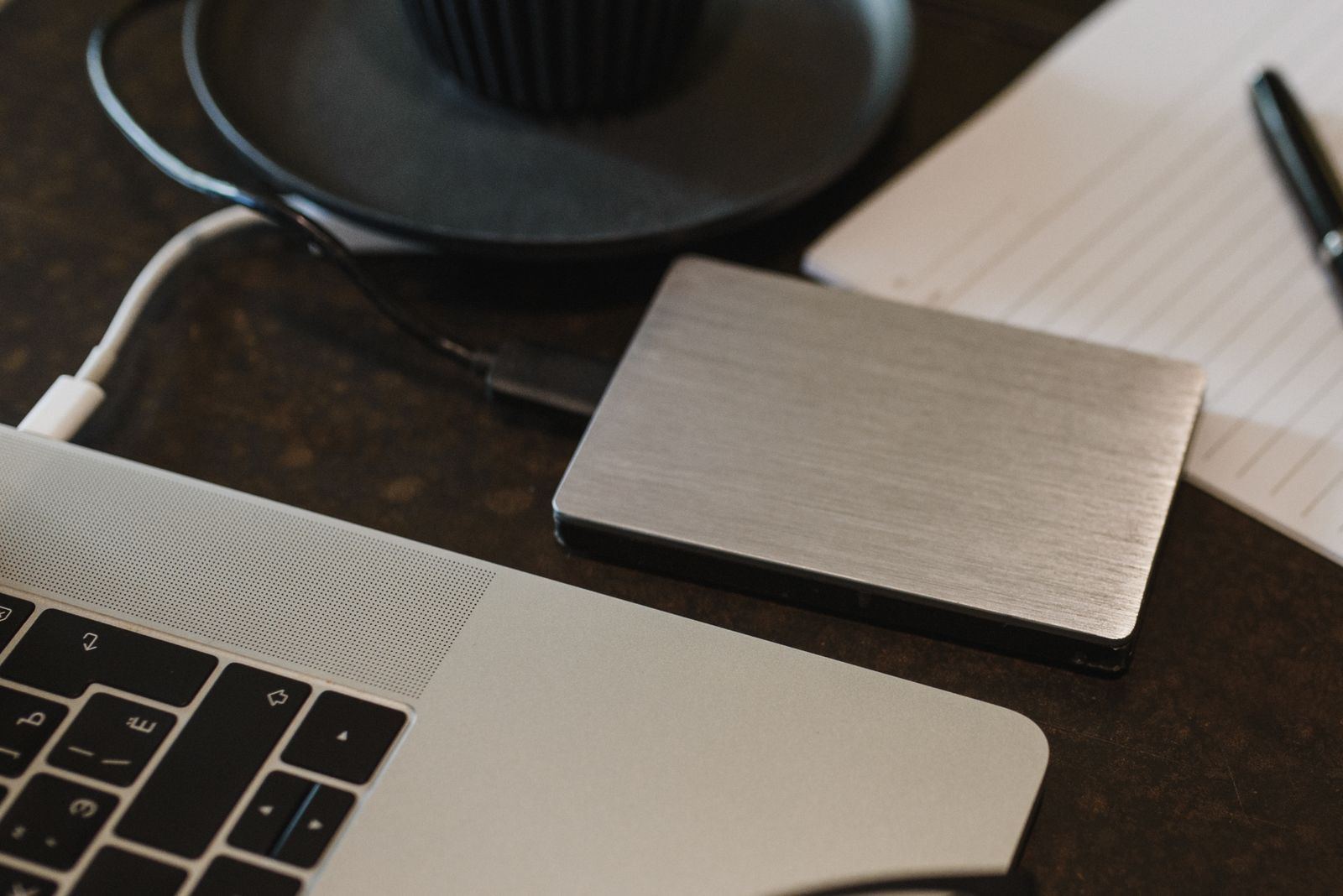
Two habits prevent a large share of everyday computer problems: installing updates promptly and keeping backups. Neither requires technical skill, and both can be largely automated.
Why updates matter
Updates to your operating system, browser and apps fix security weaknesses that attackers can exploit, as well as bugs. Security agencies such as CISA and the UK's NCSC consistently list keeping software updated among the most effective basic protections.
Turn on automatic updates
On Windows, open Settings and then Windows Update. On a Mac, open System Settings, then General, then Software Update, and enable automatic updates. Phones and tablets have similar options. Recommendation: let updates install automatically and restart your device when asked, rather than postponing for weeks.
Do not forget apps and devices
Apps from official stores usually update themselves. Programs installed directly from a website may need updating from their own menus. Your home router and smart devices also receive firmware updates; check the manufacturer's app or admin page. Devices that no longer receive security updates should eventually be replaced.
What a good backup looks like
A widely used rule of thumb is 3-2-1: keep three copies of important data, on two different types of storage, with one copy stored somewhere else, such as a cloud service. At minimum, keep one copy that is not permanently connected to your computer, so ransomware or an accident cannot reach it.
Choosing a method
Built-in tools are a good start: File History or Windows Backup on Windows, and Time Machine on a Mac, both work with an external drive. Cloud storage services can keep copies of selected folders automatically. Many people combine both: an external drive for the whole system and cloud sync for key documents and photos.
Test your backups
A backup you have never restored from is a hope, not a plan. Every few months, try restoring a single file to confirm it works. Check that new folders you care about are actually included.
A monthly five-minute routine
Confirm that your system and browser are up to date. Check the date of your last successful backup. Restart devices that have pending updates. Restore one test file every few months.
Further reading
CISA: update your software: https://www.cisa.gov/secure-our-world/update-software
NCSC guidance on backing up your data: https://www.ncsc.gov.uk/collection/small-business-guide/backing-your-data
Photo: Arina Krasnikova on Pexels (https://www.pexels.com/photo/portable-drive-connected-to-laptop-5951759/)