How to build a comfortable gaming setup on a budget
Where to spend and where to save when putting together a gaming setup, from the platform to the chair.
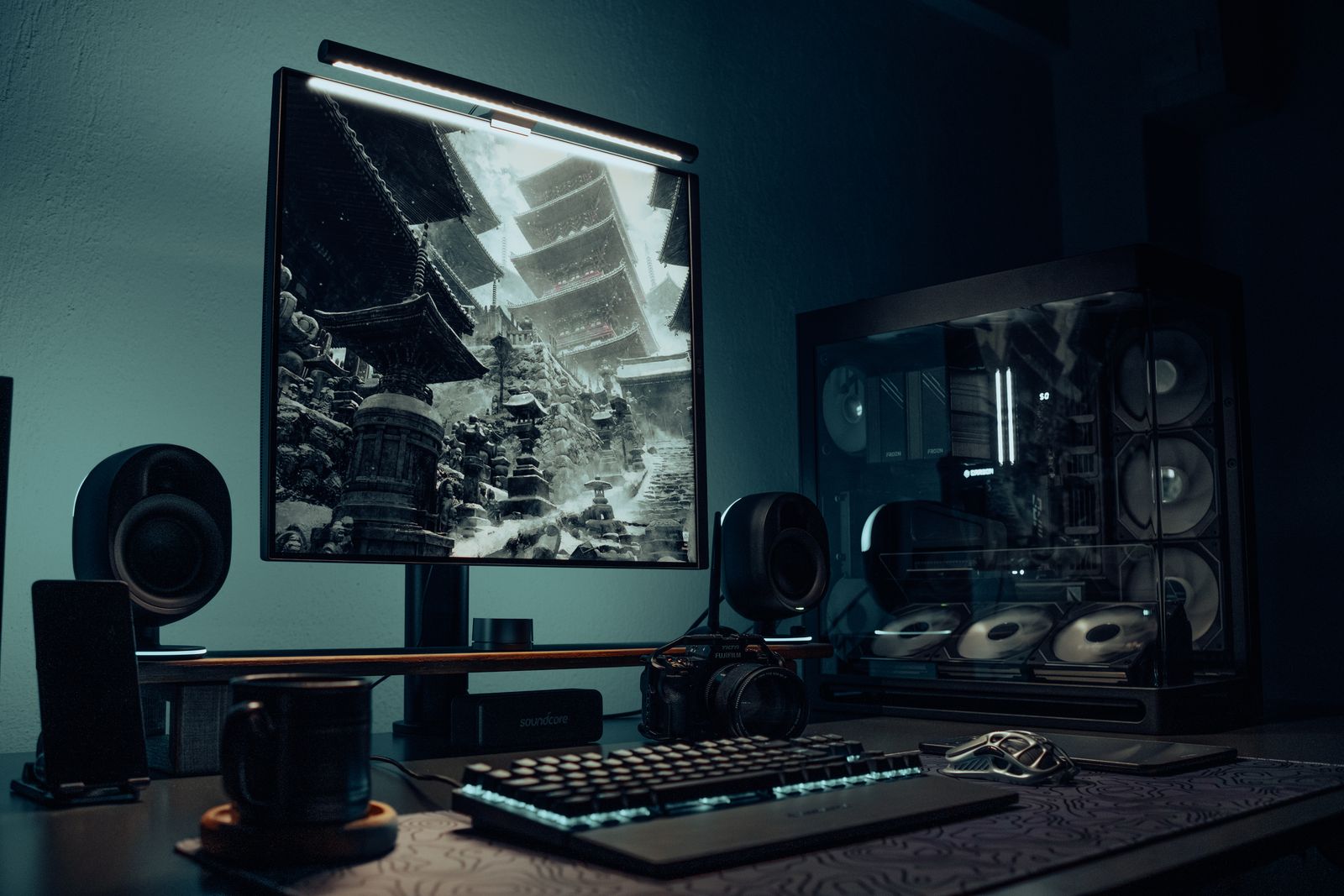
A good gaming setup does not have to be expensive. The key is spending where it affects your experience most and saving where it does not. Prices vary widely by country and change quickly, so this guide focuses on priorities rather than specific figures.
Choose your platform first
Decide between a console, a gaming PC, a handheld, or the computer you already own. Consoles are simple and predictable. A PC offers more flexibility and upgrades but needs more research. Cloud gaming services can run demanding games on modest hardware if you have a fast, stable internet connection; check their availability and requirements in your region.
Match the display to your hardware
There is little point buying a high-refresh-rate monitor if your system cannot reach those frame rates in the games you play. For many budget setups, a 1080p monitor is a sensible match. If you play on a console, your existing TV may already be good enough.
Spend on what you touch
Recommendation: prioritise a comfortable controller, keyboard or mouse, because you use them every session. Mid-range peripherals from established brands are often all you need. Wired options avoid battery charging and can cost less.
Do not neglect comfort
Long sessions are more comfortable with good posture: screen roughly at eye level, arms supported, feet flat on the floor. A secondhand office chair can be more supportive than a cheap "gaming" chair. Take regular breaks to rest your eyes and stretch.
Sound on a budget
A basic wired headset or a pair of earphones with a microphone is enough for most games and voice chat. Check comfort, because you may wear them for hours.
Buy used and refurbished carefully
Used consoles, graphics cards and accessories can save money. Buy from sellers with returns or warranties where possible, test items before buying locally, and be cautious with listings that look too cheap.
Spread out upgrades
You do not need everything at once. Start with the essentials, play for a few weeks, and then upgrade the part that bothers you most. Game sales and free-to-play titles can keep your library growing without a large budget.
A starter checklist
Platform chosen to suit your games and budget. Display matched to what your hardware can deliver. Comfortable input devices. A supportive chair and sensible posture. A basic headset. A list of future upgrades in priority order.
Photo: Atahan Demir on Pexels (https://www.pexels.com/photo/modern-desktop-setup-with-gaming-pc-and-monitor-30265371/)